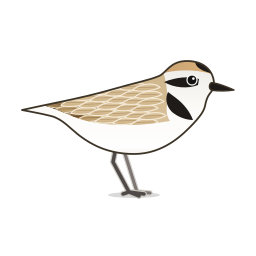
 SnowyPlover
Reference / Timeline
 Duration Counter
A timer-based counter that increments from Start to End over Duration seconds. Click Play to run it, Pause to hold the current value and Play again to carry on; it stays at End when finished, and Play then runs it again from Start. Reset goes back to Start. The activate input still works: switching it on plays, switching it off pauses.
Inputs
| Name | Type | Default | Description |
|---|---|---|---|
| activate R | Boolean | false | Optional. Switching it on plays the counter, switching it off pauses it. The Play / Pause button does the same |
| start S | Number | 0.0 | Start number |
| end E | Number | 1.0 | End number (default = 1) |
| digits D | Integer | 4 | Number of decimal places |
| totalDuration TD | Number | Time duration in seconds | |
| fps | Integer | 30 | Frames per second (default = 30) |
Outputs
| Name | Type | Description |
|---|---|---|
| t_Counter T | Number | Counter output |